
MinOTP
Minimum effort, maximum security.
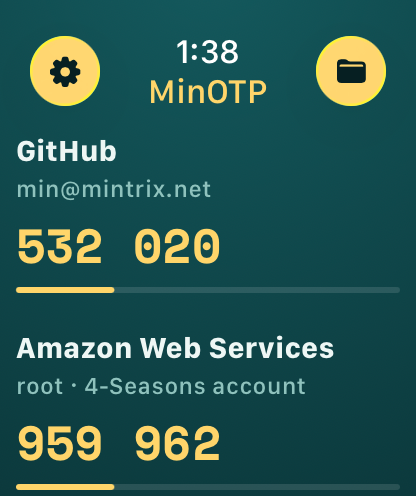
Your one-time codes, on your phone and your wrist.
MinOTP is a private two-factor authenticator for iPhone and Apple Watch. No servers, no ads, no tracking. Import your OTP Auth backup in one tap and keep going.
Download on the App Store Privacy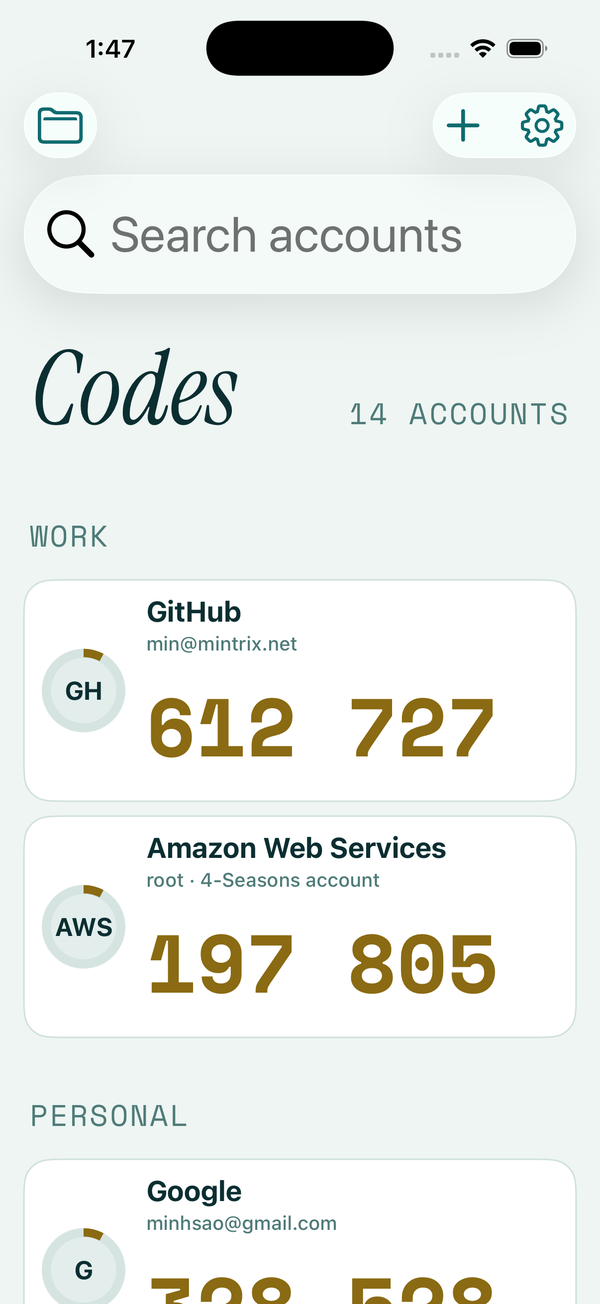
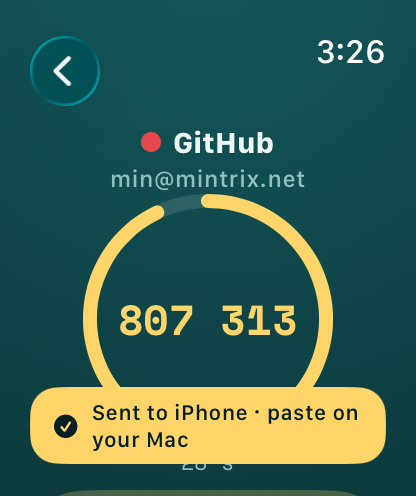
Tap it on your wrist. Use it on your Mac.
Your phone stays the second factor. Tap an account on the Watch or the iPhone and the code shows up where you're logging in: above the keyboard on the iPhone like a text-message code, on your Mac's clipboard for a quick paste, and, with the free MinOTP for Mac helper, as a "From MinOTP" suggestion right in Safari's field.
- iPhone: AutoFill suggestion in Safari and apps. No clipboard involved.
- Mac: paste with Cmd-V, or let MinOTP for Mac offer it in the field.
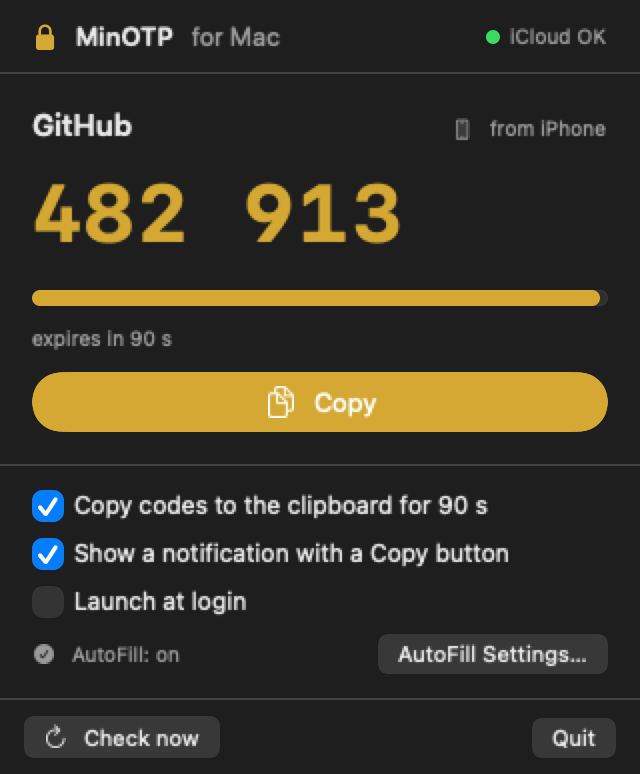
- Private: the code is encrypted on your phone with a key only your devices have, and it expires after 90 seconds. Secrets never leave the phone.
- Optional: three switches, all on by default, all yours to turn off.
Everything OTP Auth did, and then some
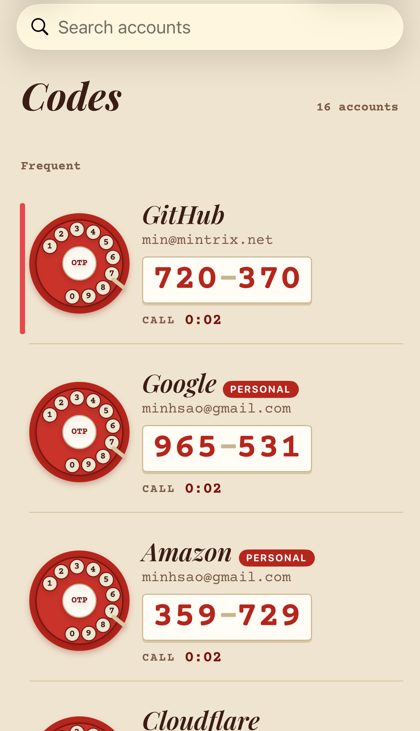
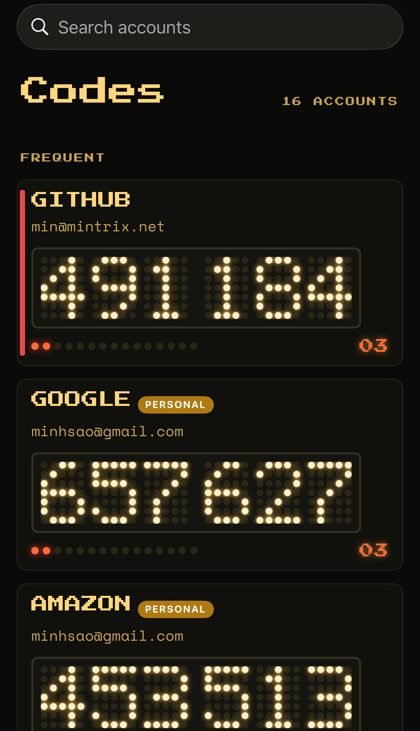
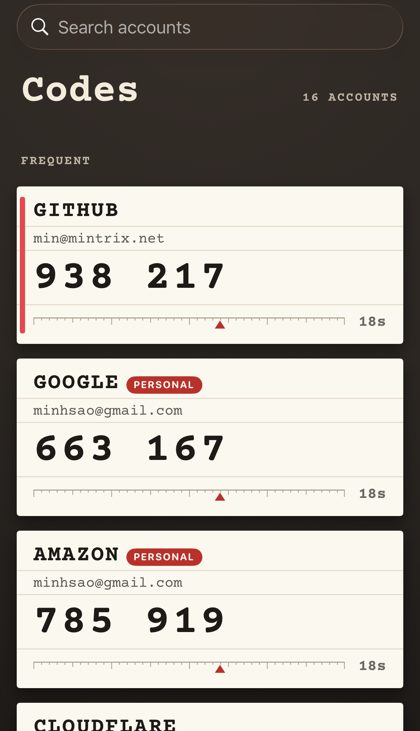
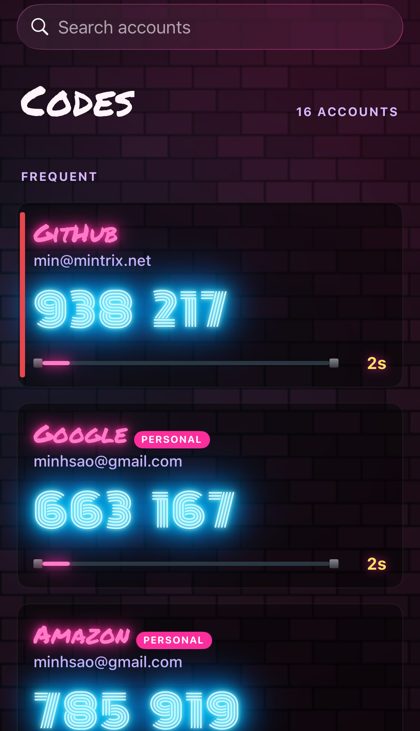
Seven free skins
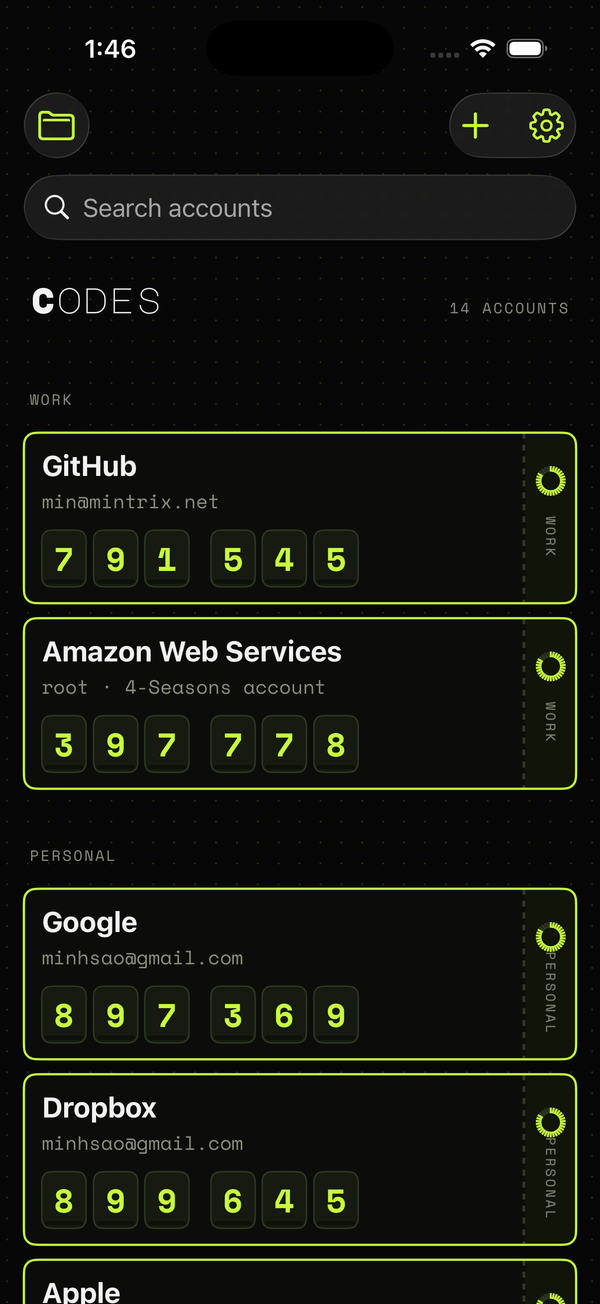
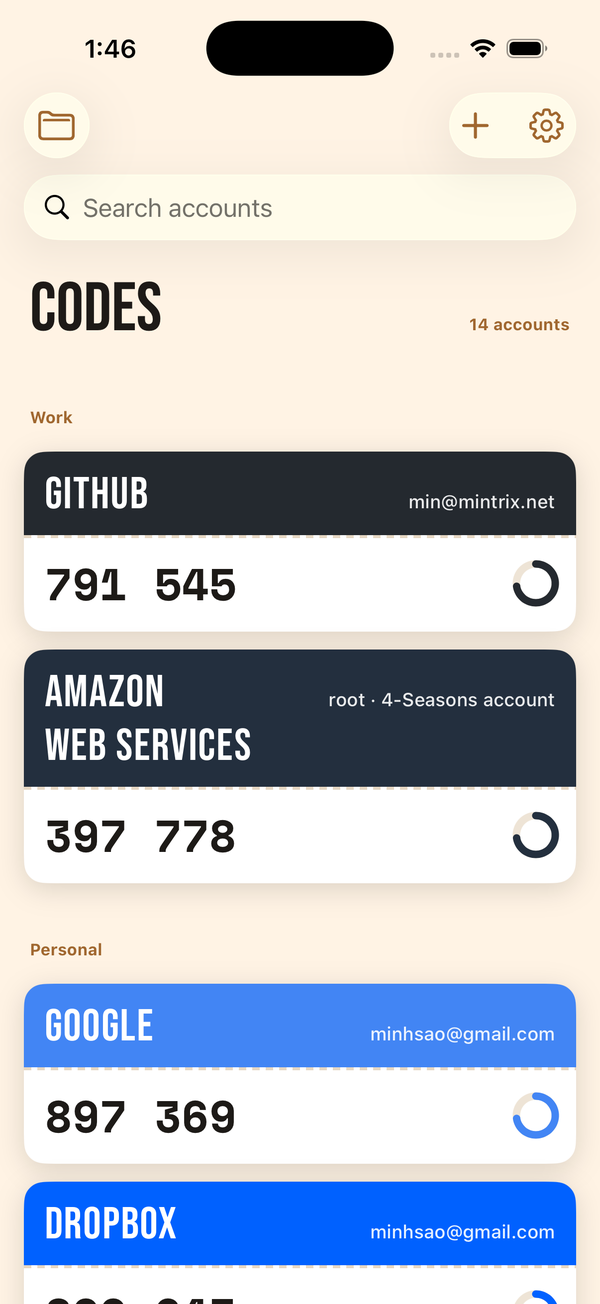
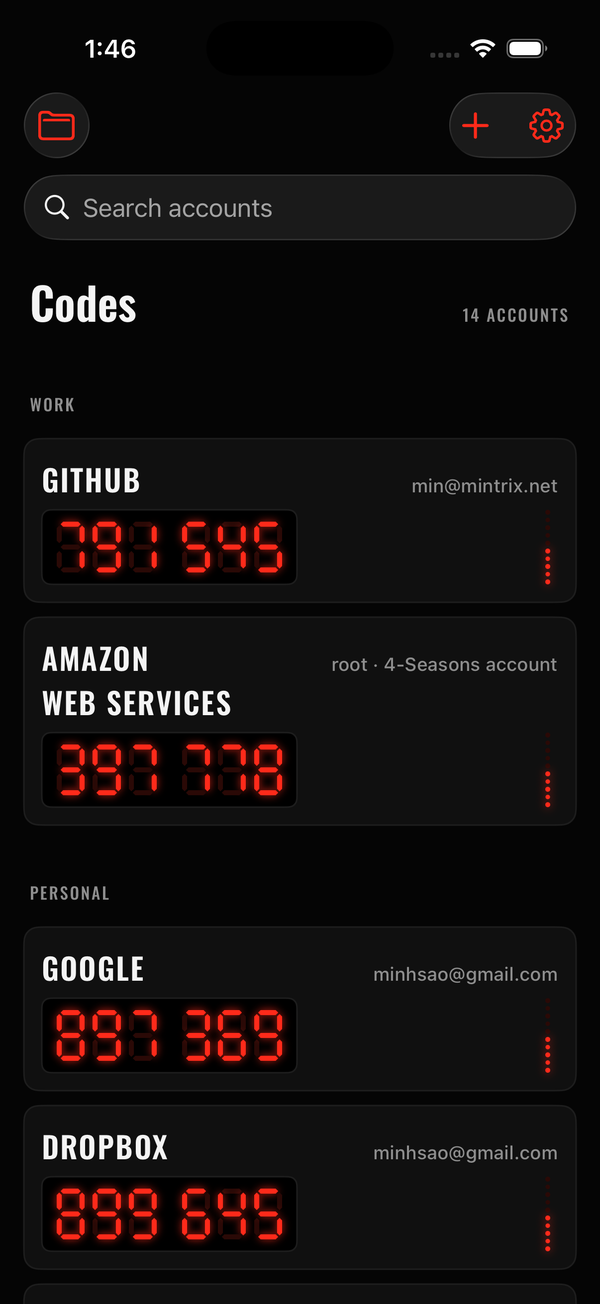
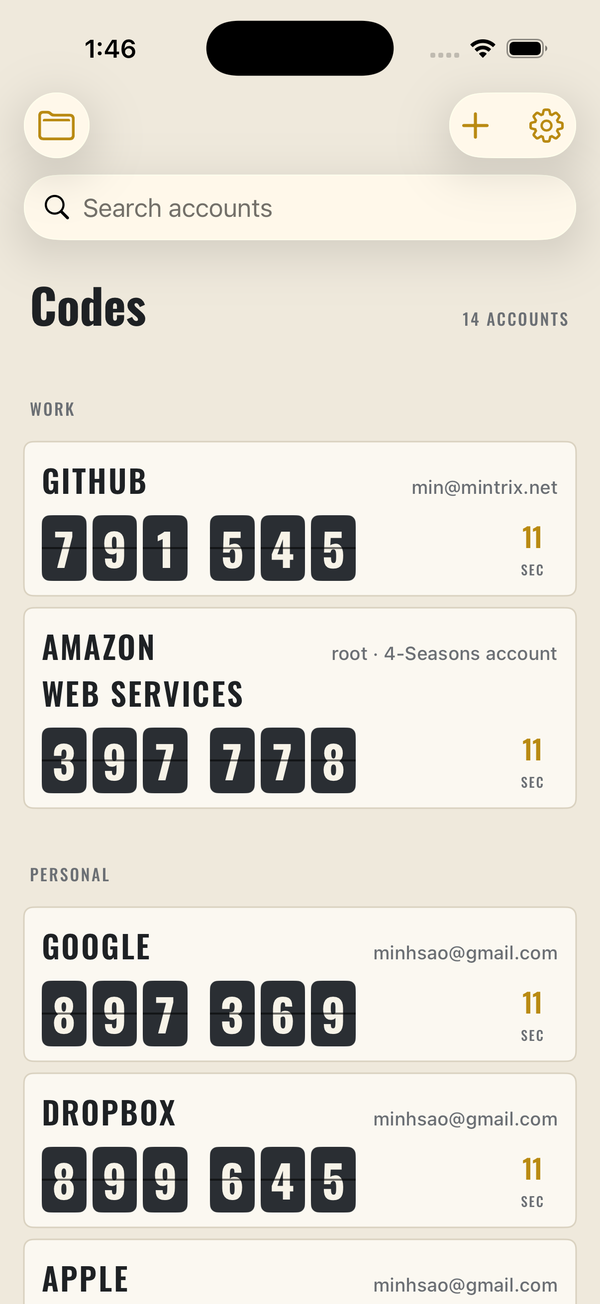
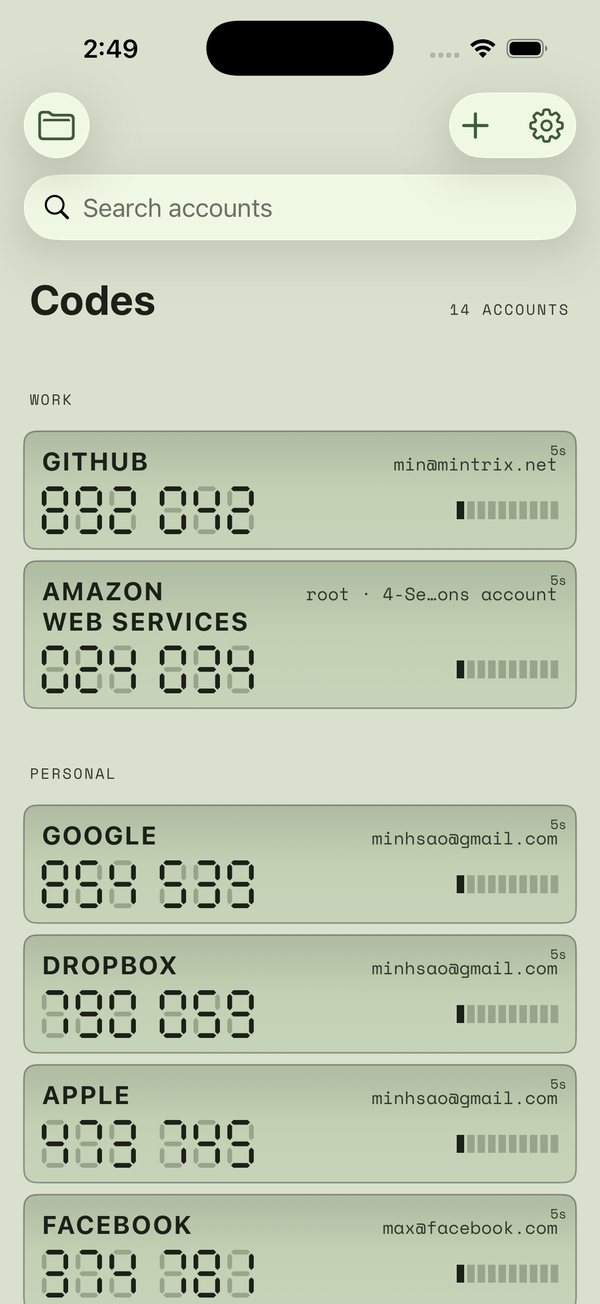
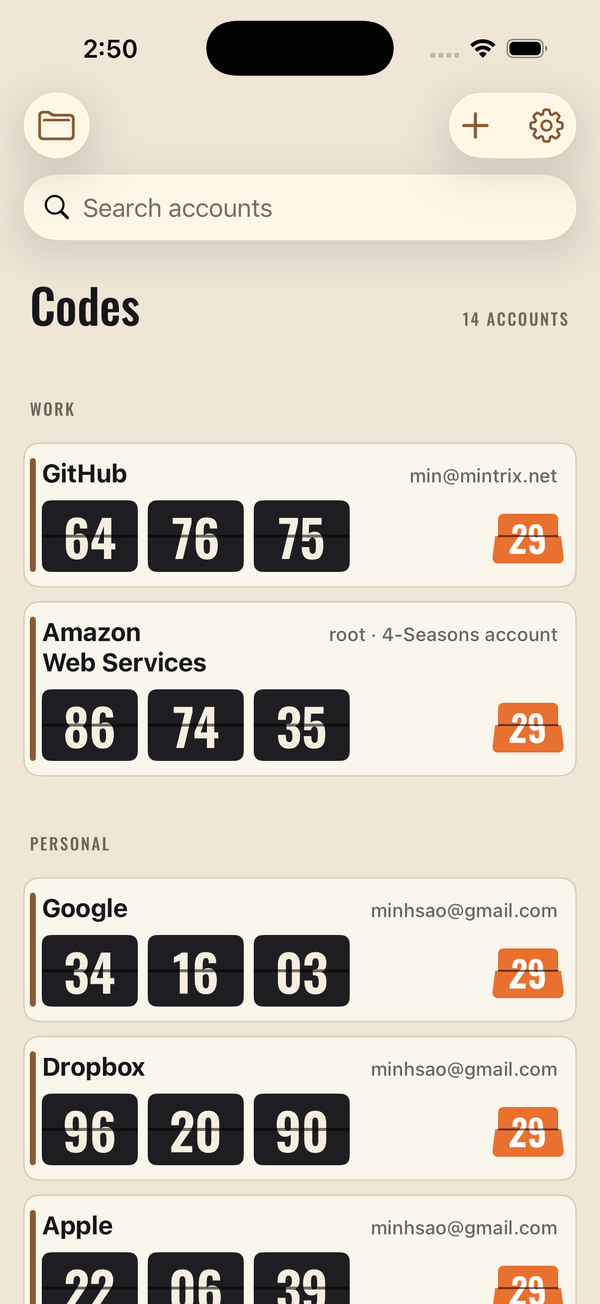
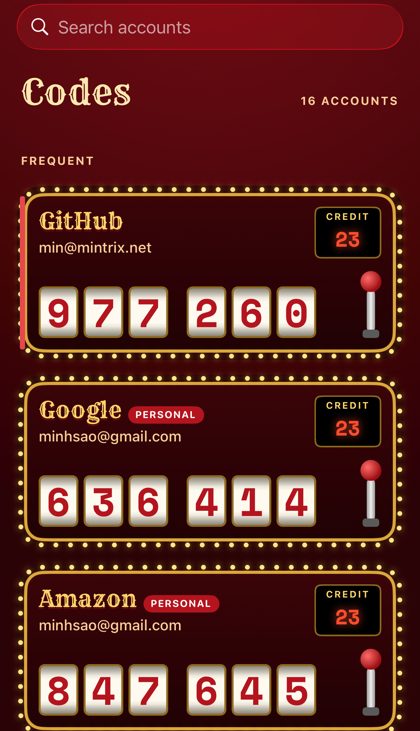
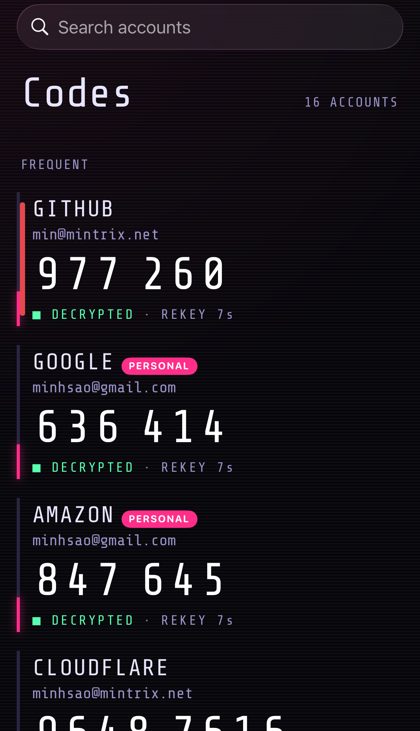
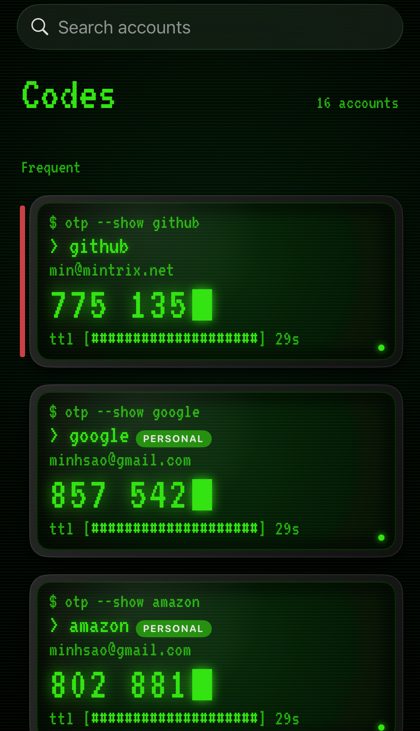
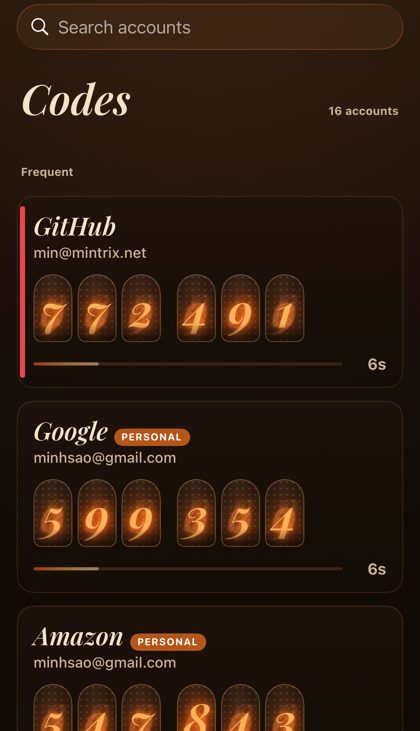
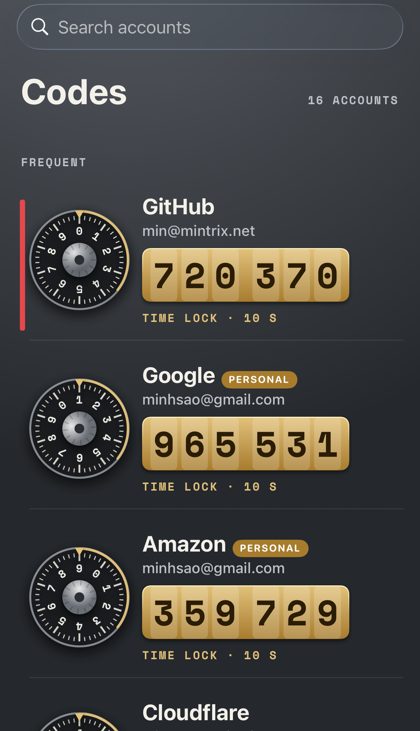
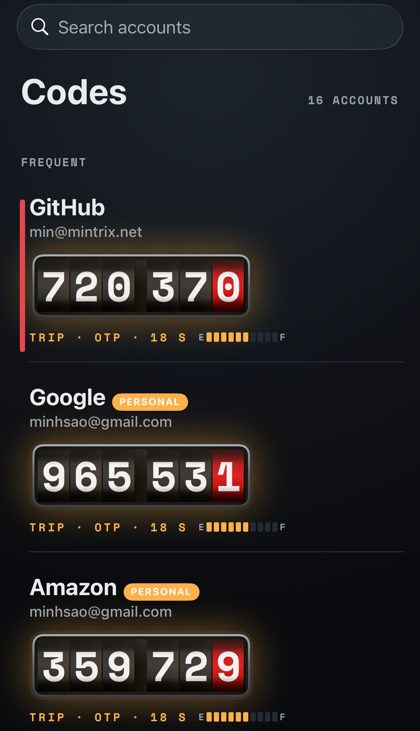
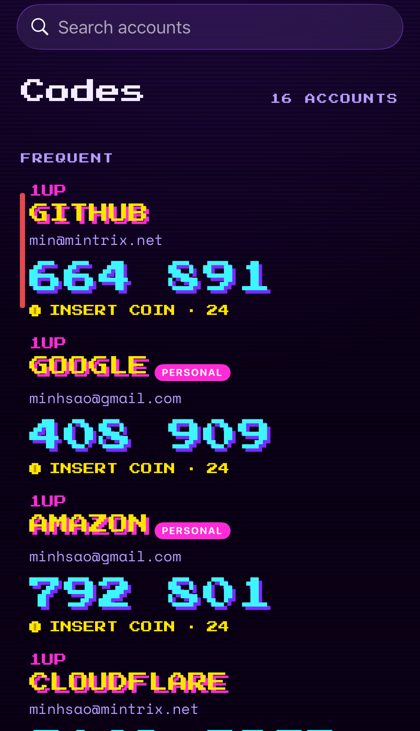
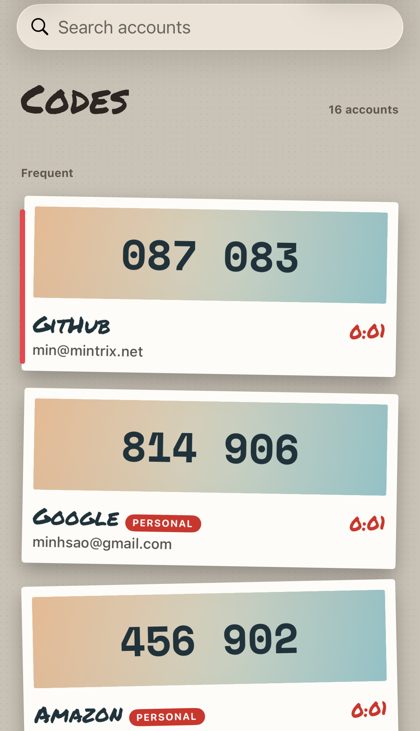
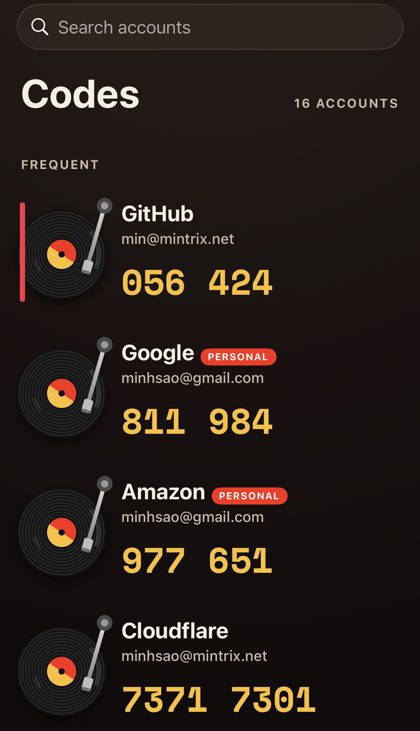
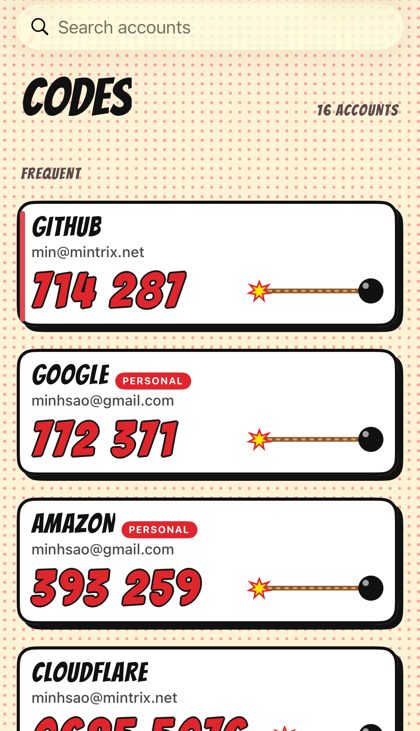
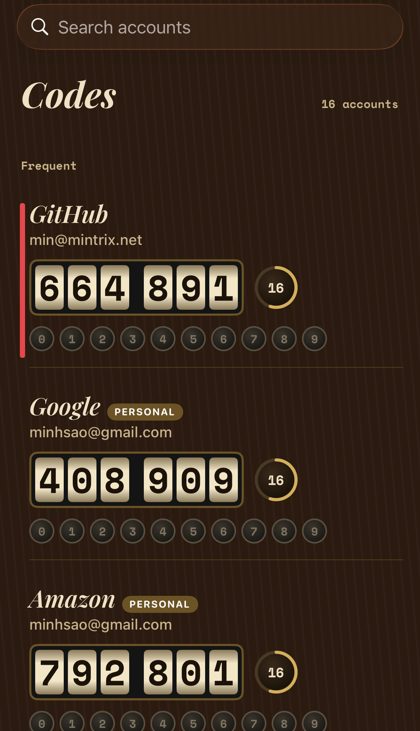
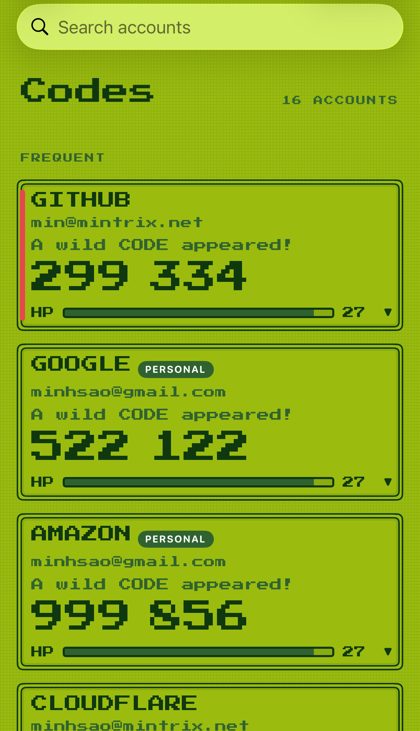
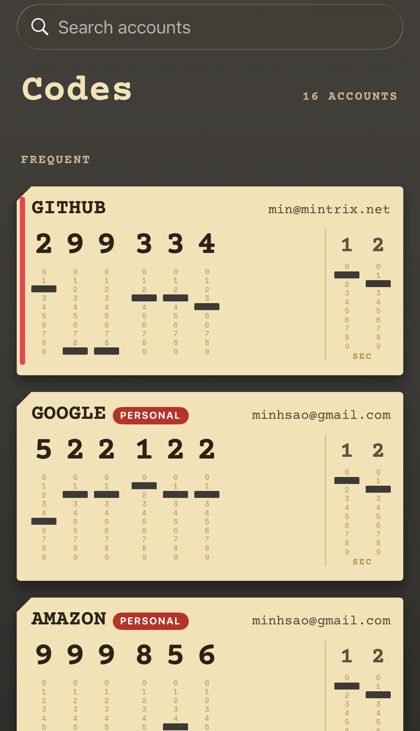
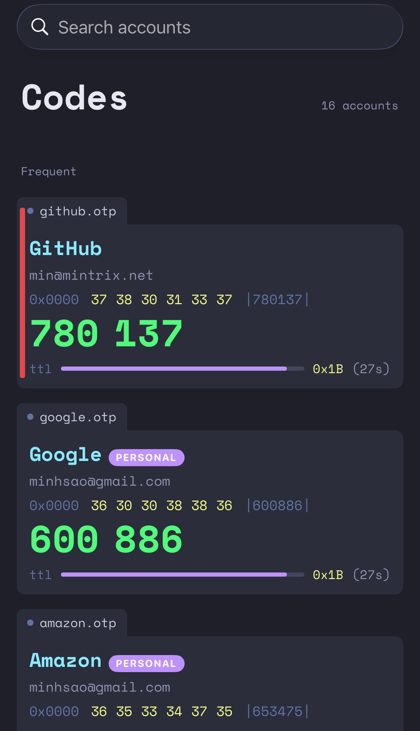
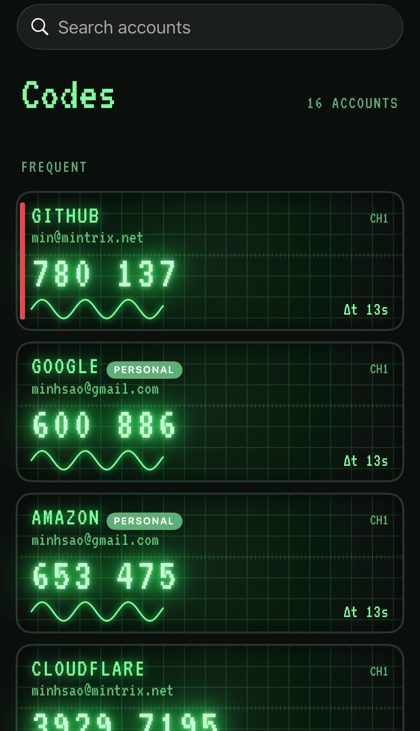
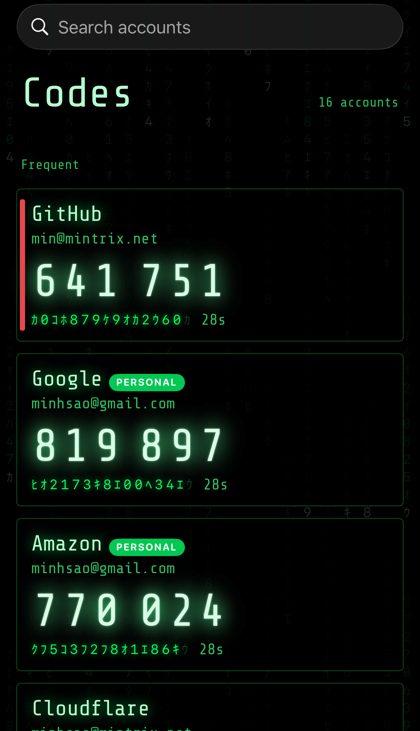
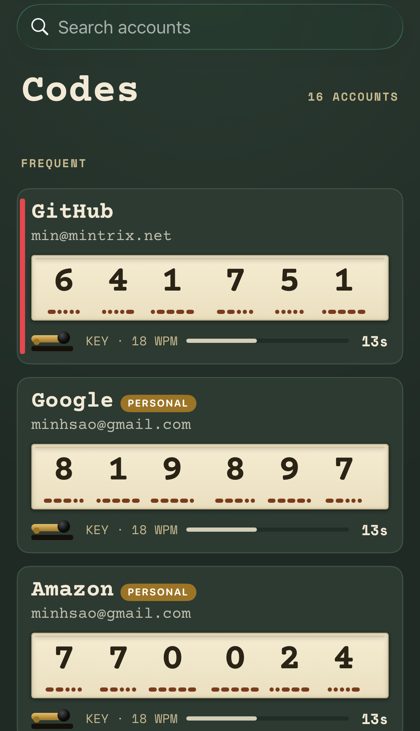
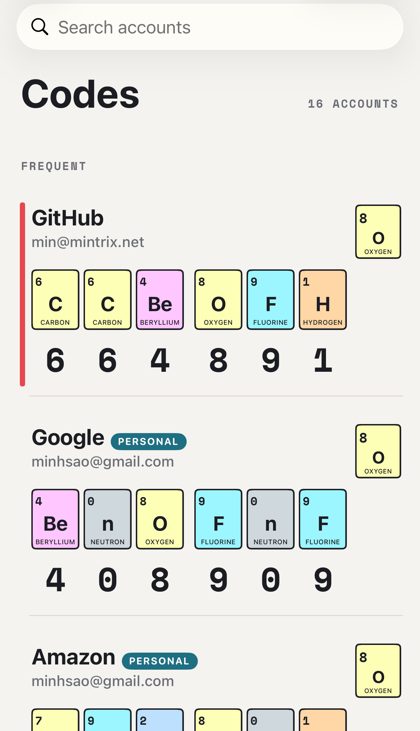
Twenty-two more skins. The code itself is the show.
Each skin is a different object, and the code animates whenever it changes: slot-machine reels spin and land, cipher glyphs flicker and decrypt, a green terminal backspaces and retypes, Nixie tubes strike, a safe dial spins to each digit, Enigma rotors step while the lampboard lights.
All twenty-two come in one in-app purchase for 99¢, on the iPhone and the Apple Watch, restorable on every device with your Apple Account. The seven original skins and everything else in MinOTP stay free. Want to say thanks? Big Supporter ($4.99) and Super Supporter ($9.99) include the Skin Pack too.
MinOTP for Mac
A small, free menu-bar helper for your Mac. It holds no secrets: it only receives the code you tapped on your iPhone or Watch, puts it on the clipboard for 90 seconds, and offers it in Safari's code field as "From MinOTP". It needs macOS 15 and the same iCloud account with iCloud Keychain. Get it on the Mac App Store
After installing, open it and look for the gold lock in the menu bar (it has no window). Then click the lock → AutoFill Settings… and turn MinOTP on. Prefer a direct download? MinOTP for Mac (signed and notarized by Apple): unzip and drag it to Applications.
Get MinOTP
Free on the App Store for iPhone, Apple Watch and Mac: MinOTP on the App Store. No account, no subscription, no ads. Coming from OTP Auth? Export a backup there, AirDrop it to yourself, tap it, and MinOTP imports it.